




- Quick Start
- Breaking changes in v3
- Features
- Installation
- Configuration
- Docker
- API
- Addons and integration
- Development roadmap
docker run -d -p 8080:80 --name=pictshare ghcr.io/hascheksolutions/pictshareThen open http://localhost:8080 in your browser
- TITLE
- UPLOAD_FORM_LOCATION
- ALLOW_BLOATING
In Picthsare v3 we have changed the requirement for the image to be the last part of the URL. While with older PictShare Versions you could put the file name at any place of the URL, we now require the last part of the URL to be the file name.
- before: https://pictshare.net/roate-left/1234.png/800x600/
- now: https://pictshare.net/roate-left/600x600/1234.png
The API has been moved to a more consistant and RESTful design. The API documentation has been updated to reflect these changes.
- Generate identicons based on strings in the URL example1 example2
- Generate placeholder images by specifying the size in the URL. example
- Added support for external storage
- Encryption of files in external storage
- Added text hosting (like pastebin)
- Added URL shortening
- Added WebP to images (and automatic conversion from jpg, png to webp if the requesting browser supports it)
- Massive code rework. Actually we designed it from the ground up to be more modular and easier to debug
- Selfhostable
- Simple upload API
- 100% file based - no database needed
- Scalable hosting
- Many Filters for images
- GIF to MP4 conversion
- JPG, PNG to WEBP conversion
- MP4 resizing
- PictShare removes all exif data so you can upload photos from your phone and all GPS tags and camera model info get wiped
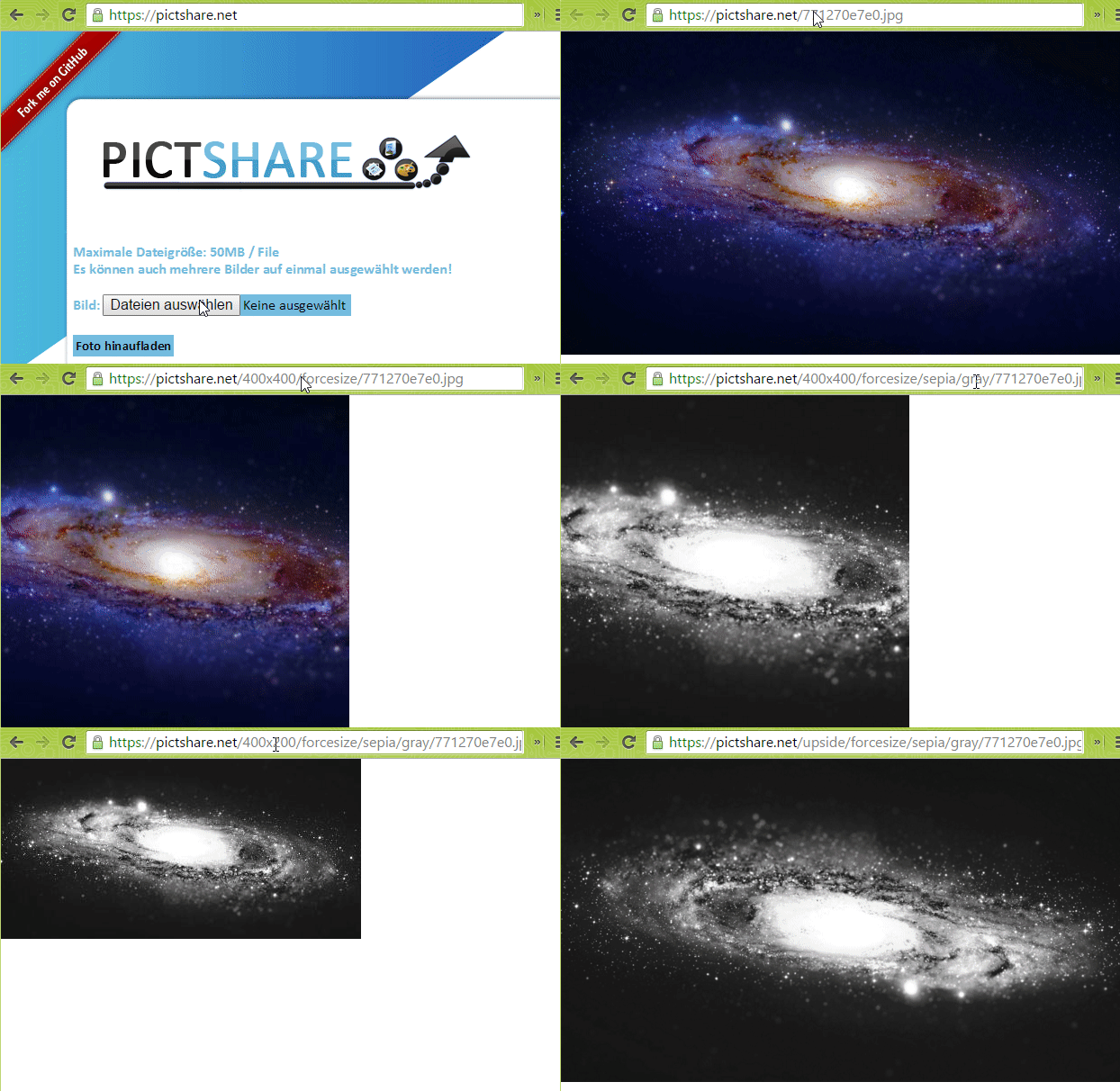
- Change and resize your images and videos just by editing the URL
- Duplicates don't take up space. If the exact same file is uploaded twice, the second upload will link to the first
- Many configuration options
- Full control over your data. Delete images with individual and global delete codes
- Duplicate detection
- Write permission detection
- Delete codes for every uploaded file
- Upload via link/url
- Upload via base64
- Autodestruct for every uploaded file
Read here what those options do
- ALT_FOLDER
- URL (instead of FORCE_DOMAIN but mandatory)
- LOG_UPLOADER
- FFMPEG_BINARY
- PNG_COMPRESSION
- JPEG_COMPRESSION
- WEBP_COMPRESSION
- MASTER_DELETE_CODE
- MASTER_DELETE_IP
- UPLOAD_FORM_LOCATION
- S3 Backend
- UPLOAD_CODE
- UPLOAD_QUOTA
- LOW_PROFILE
- IMAGE_CHANGE_CODE
- MAX_RESIZED_IMAGES
- ALLOW_BLOATING
- Resizing
- Filters
- Gif to mp4 conversion
- Upload of images
- Upload of text files
- Render template for text files
- Raw data view
- Downloadable
- Upload of links to shorten
- Resizing
- Preview image generation
- Upload of videos
- Automatic conversion if not mobile friendly or wrong encoder used
- Render template for videos
This is a HASCHEK SOLUTIONS project


