Multi-level code structure explorer — interactive drill-down HTML visualizations.
Codezoom generates a standalone HTML file that lets you explore a project's structure at multiple levels of detail. Click any node to drill down; use breadcrumb navigation to go back up.
| Level | Python | Java | Rust |
|---|---|---|---|
| 1. External dependencies | Direct and transitive packages from pyproject.toml + uv.lock |
Direct and transitive Maven dependencies from pom.xml (requires jgo) |
Direct and transitive crates via cargo metadata |
| 2. Package/module hierarchy | Sub-packages and modules via pydeps (with file-tree fallback) — includes inter-module imports | Package tree via jdeps — includes inter-package dependencies and class-level call graphs |
Module tree via rustdoc JSON — includes inter-module import edges |
| 3. Module/class internals | Functions and classes extracted from AST — shows visibility (public/private based on naming) | Classes, interfaces, enums, and nested classes extracted from compiled bytecode via javap — shows visibility (public/protected/private/package) |
Structs, enums, traits, and functions extracted from rustdoc JSON — shows visibility (public/pub(crate)/private) |
| 4. Class/method internals | Methods and their call relationships extracted from AST | Methods with parameter signatures and call relationships extracted from bytecode | Methods with call relationships extracted from source via tree-sitter (requires codezoom[rust]) |
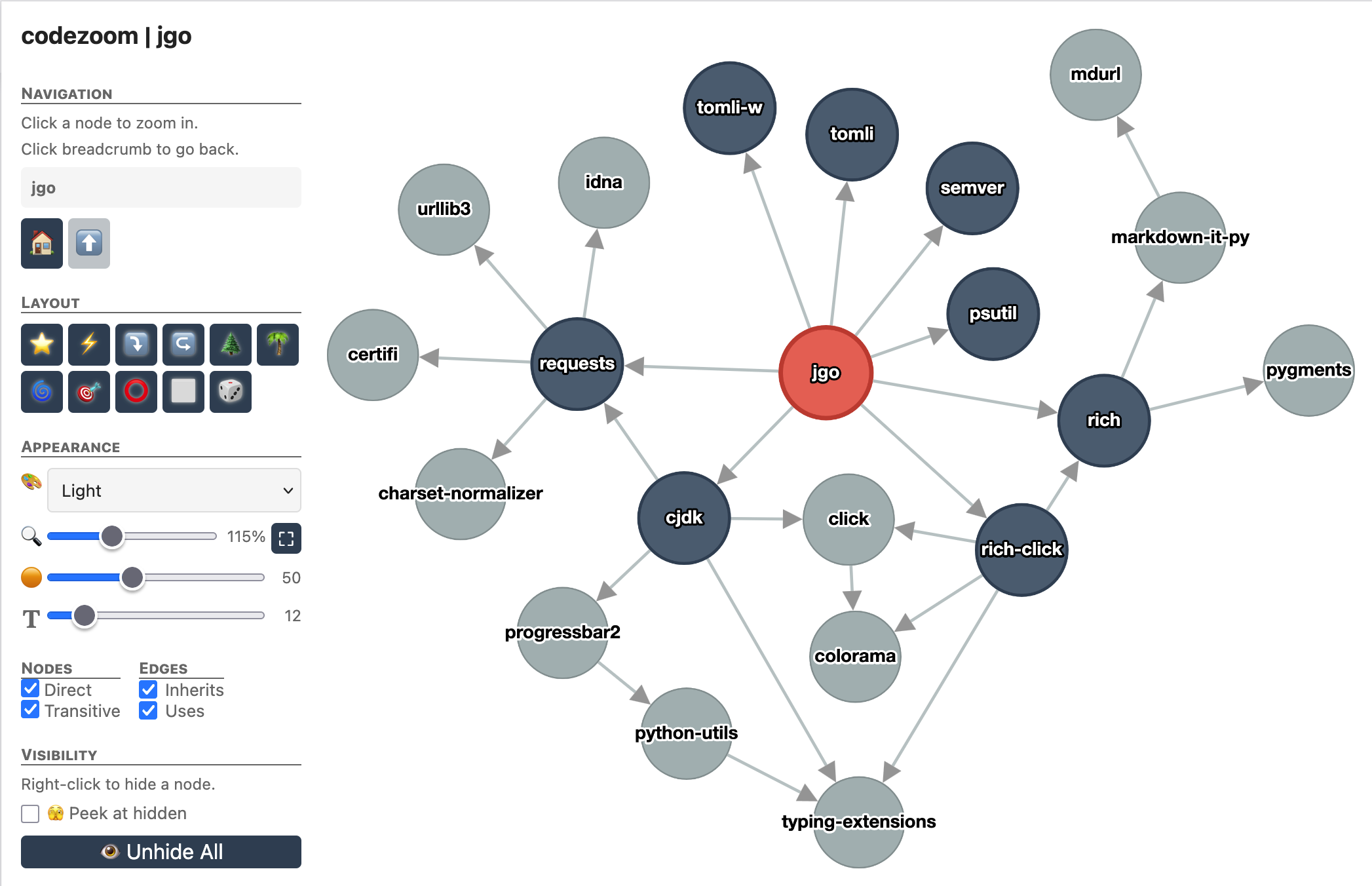 External dependencies (Python) |
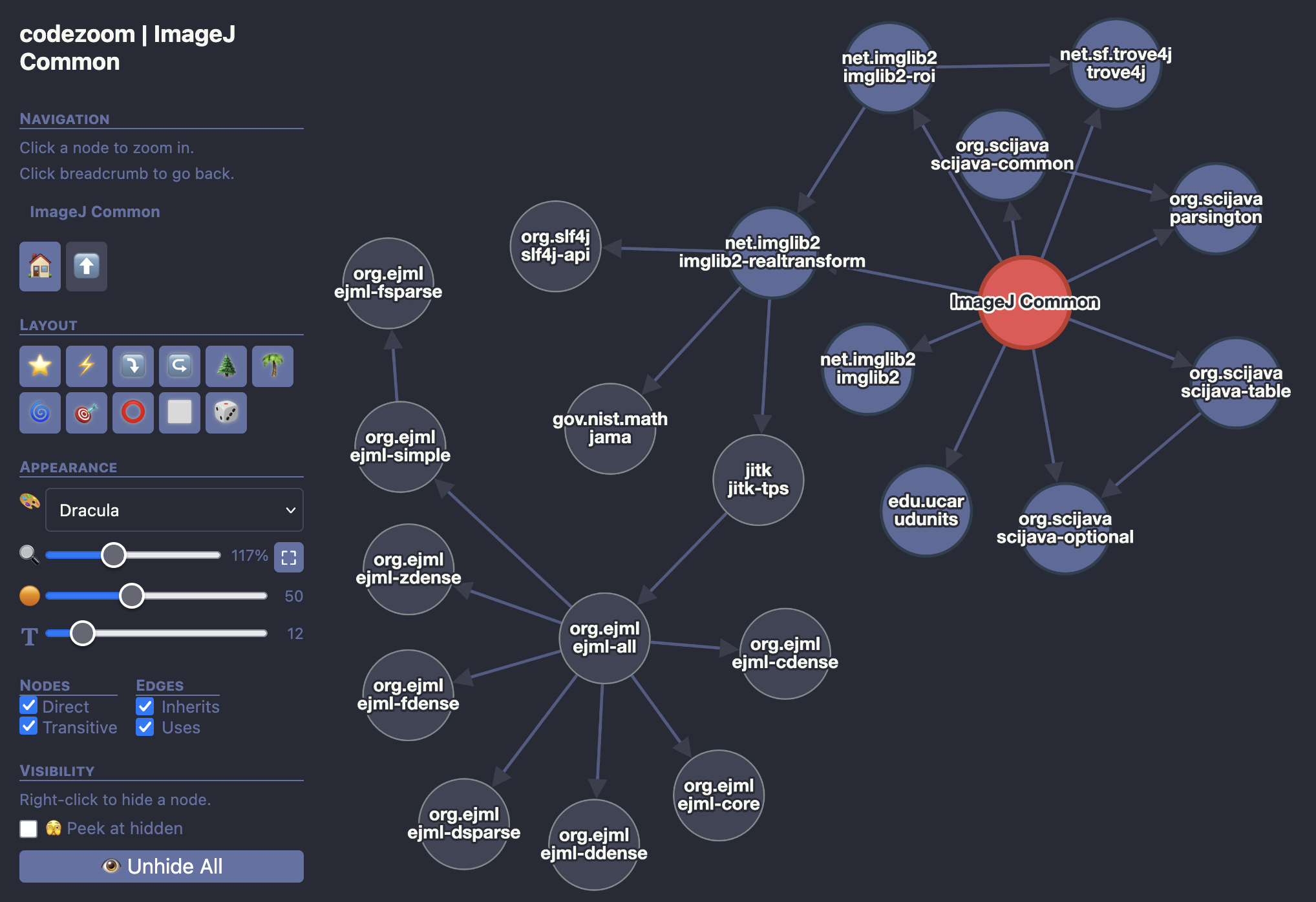 External dependencies (Java) |
|
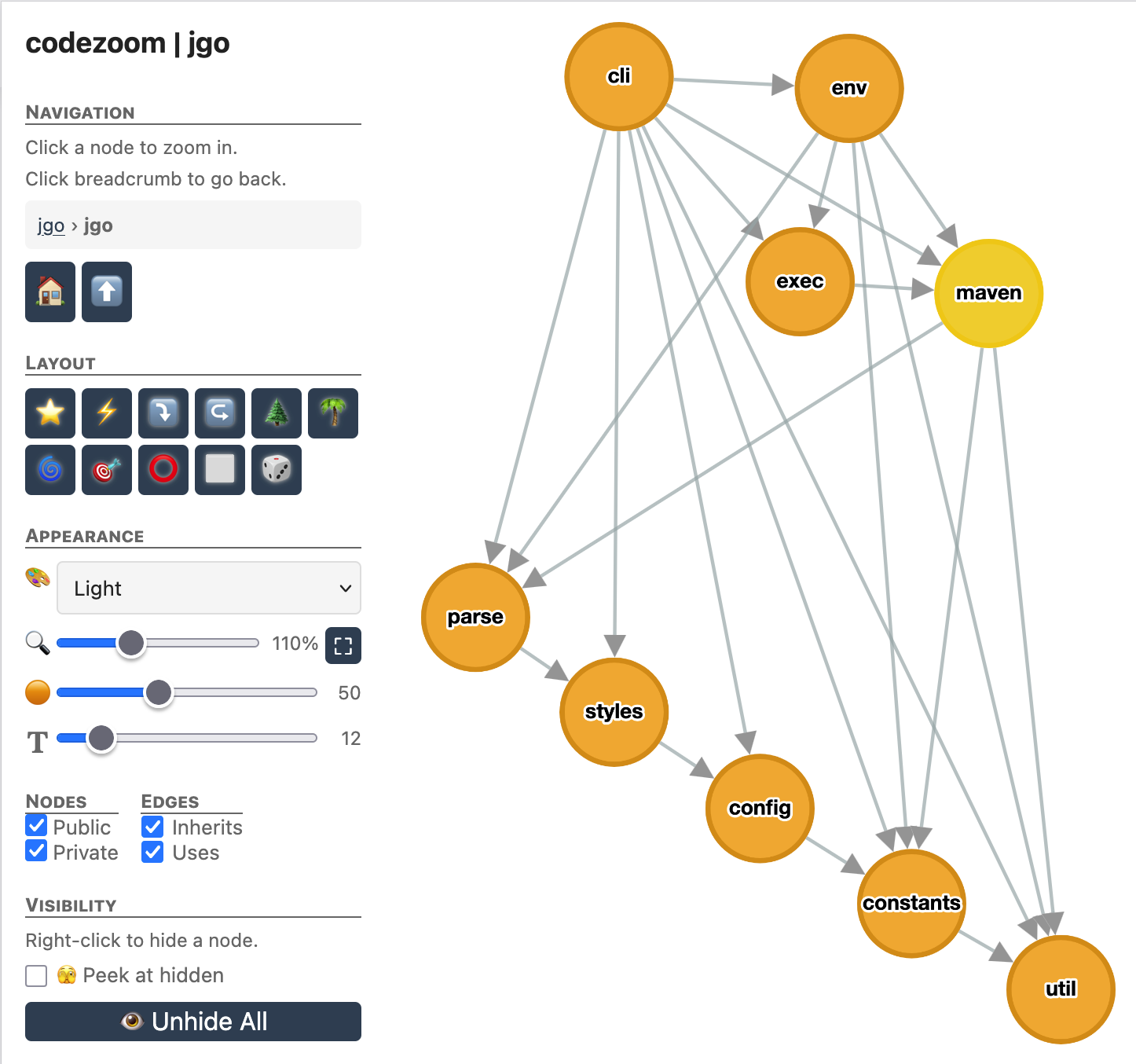 Project submodules |
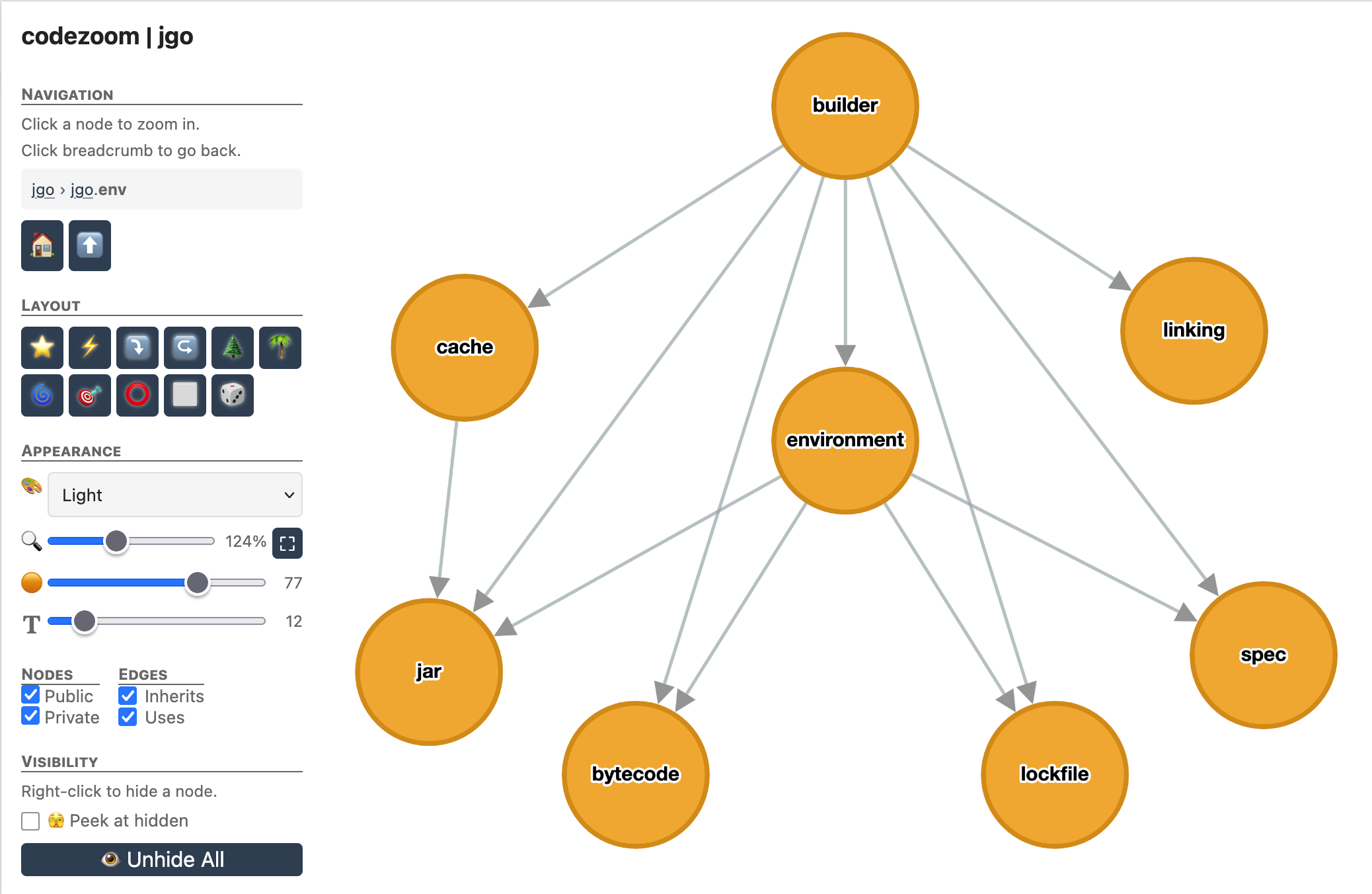 A submodule's children |
|
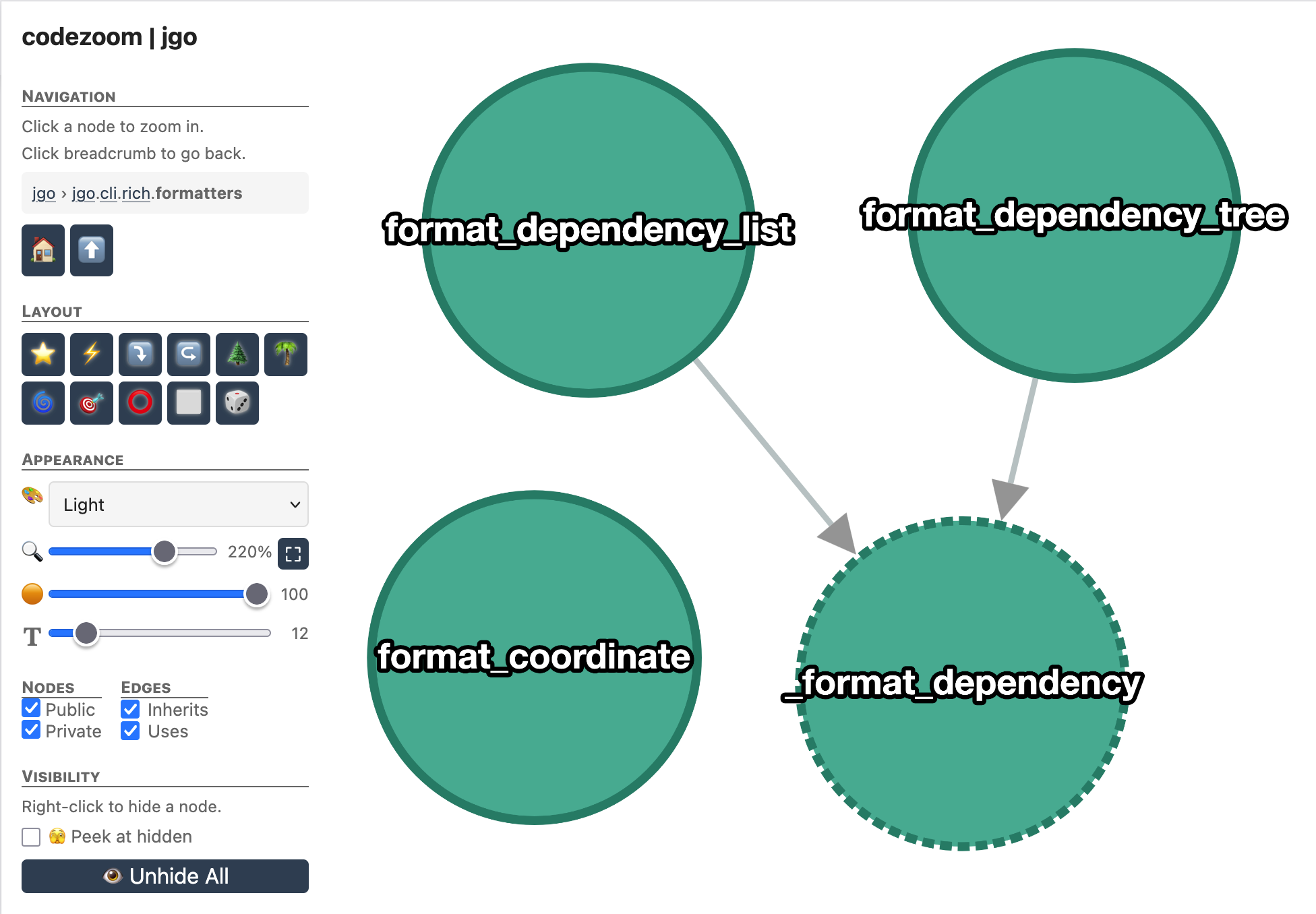 Single-file view (Python) |
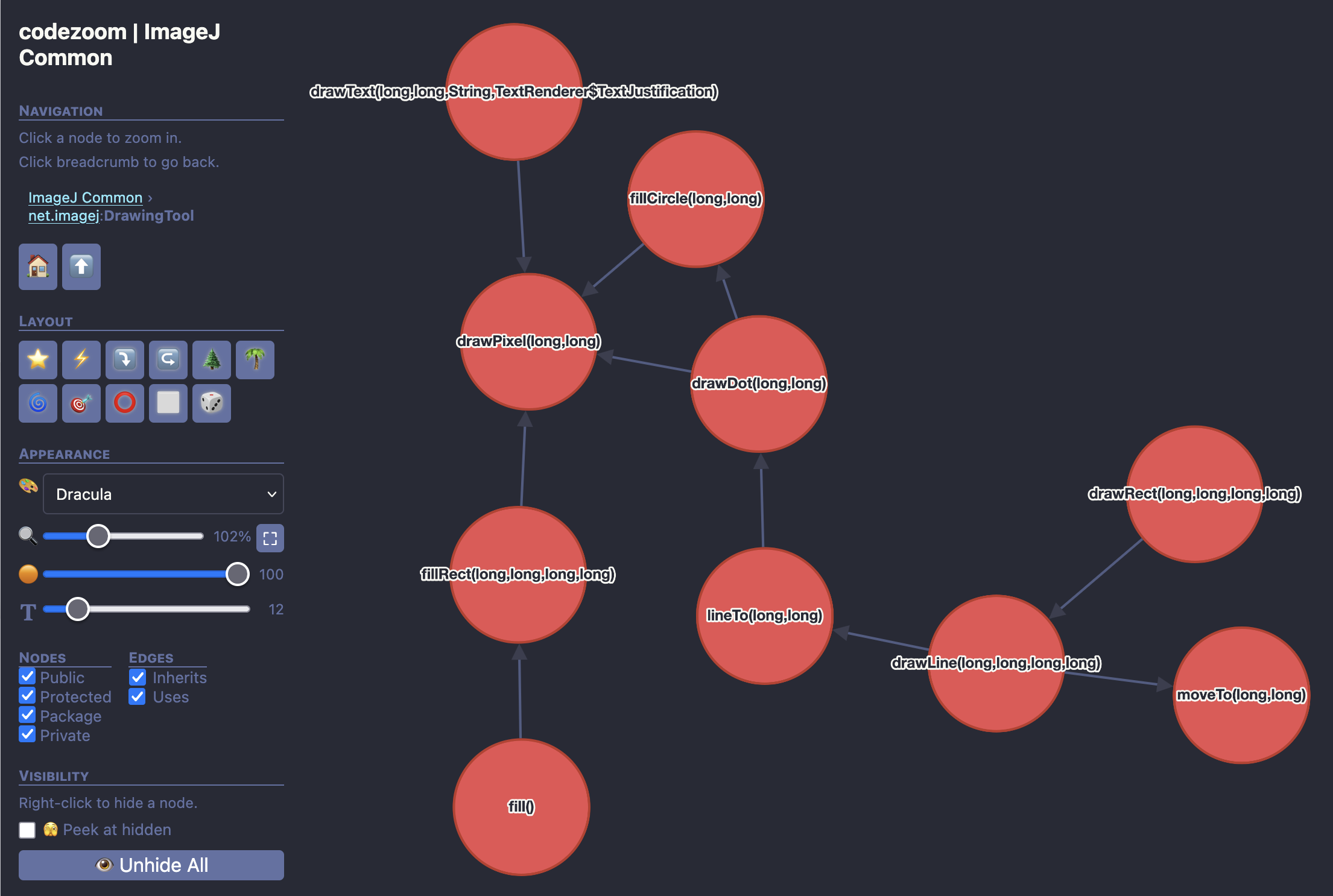 Single-file view (Java) |
Installing codezoom with uv
uv tool install codezoomInstalling codezoom with pip
pip install codezoomInstalling codezoom from source
git clone https://github.com/apposed/codezoom
uv tool install --with-editable codezoom codezoom
When installed in this fashion, changes to the codezoom source code will be immediately reflected when running codezoom from the command line.
Using codezoom as a dependency
uv add codezoomor
pixi add --pypi codezoomNot sure which to use? Read this.
Basic usage (auto-detects Python, Java, or Rust):
codezoom /path/to/project                     # auto-detect, output to codezoom.html
codezoom /path/to/project -o output.html      # custom output path
codezoom /path/to/project --name "My Project" # custom display name
codezoom /path/to/project --open # open in browser after generating# Basic usage - requires pyproject.toml
codezoom /path/to/python/project
# For richer module analysis, install the python extra
pip install codezoom[python]
codezoom /path/to/python/project --open# Compile the project first
cd /path/to/java/project
mvn compile
# Generate visualization (basic - no Maven dependencies)
codezoom . --open
# For full dependency analysis, install jgo
pip install codezoom[java]
codezoom . --open# cargo metadata is used automatically if cargo is in PATH
codezoom /path/to/rust/project
# For call graph extraction, install the rust extra
pip install codezoom[rust]
codezoom /path/to/rust/project --openNote: module hierarchy and symbol extraction require the Rust nightly toolchain:
rustup toolchain install nightlyAlso works as a module:
python -m codezoom /path/to/project- Python 3.11+
- No mandatory runtime dependencies beyond the standard library
- Optional: pydeps for richer module-level
import analysis (falls back to file-tree scanning without it)
pip install codezoom[python]
- JDK (not just JRE) — provides
jdepsandjavapfor package/class analysis - Compiled code — run
mvn compilebefore analyzing - Optional:
jgofor Maven dependency extractionpip install codezoom[java]
- cargo — for dependency extraction via
cargo metadata - Rust nightly toolchain — for module hierarchy and symbol extraction
rustup toolchain install nightly
- Optional: tree-sitter for call graph extraction
pip install codezoom[rust]
Projects can include a .codezoom.toml or a [tool.codezoom] section in
pyproject.toml:
[tool.codezoom]
exclude = ["tests", "docs", "__pycache__"]
The exclude list is passed to pydeps via -xx to omit modules from the
hierarchy.
- Detection: Presence of
pyproject.toml - Project layouts: Both
src/layout and flat layout - Dependencies: Extracted from
pyproject.tomlanduv.lock - Hierarchy: Module tree via
pydeps(falls back to file tree) - Symbols: Functions, classes, and methods via AST parsing
- Call graphs: Method calls extracted from AST
- Visibility: Public/private based on Python naming conventions (
_private,__dunder__) - Configuration: Via
.codezoom.tomlor[tool.codezoom]inpyproject.toml
- Detection: Presence of
pom.xmlorbuild.gradle.ktsorbuild.gradle - Prerequisites:
- JDK installed (for
jdepsandjavap) - Project compiled (
mvn compileor./gradlew build) pip install codezoom[java]for dependency extraction
- JDK installed (for
- Dependencies: Maven dependencies via
jgo(direct + transitive with scope filtering) - Hierarchy: Package tree via
jdepswith inter-package dependencies - Class dependencies: Class-to-class and class-to-package relationships via
javap - Symbols: Classes, interfaces, enums, nested classes via bytecode analysis
- Call graphs: Method invocations extracted from bytecode
- Visibility: Full Java visibility (public, protected, private, package-private)
- Limitations: Bridge methods are filtered out; requires compiled
.classfiles
- Detection: Presence of
Cargo.toml - Prerequisites:
cargoinstalled (for dependency extraction)- Rust nightly toolchain for module hierarchy and symbols:
rustup toolchain install nightly pip install codezoom[rust]for call graph extraction
- Dependencies: Crate dependencies via
cargo metadata(direct + transitive, normal deps only) - Hierarchy: Module tree via
rustdocJSON — includes inter-module import edges - Symbols: Structs, enums, traits, and functions extracted from rustdoc JSON
- Call graphs: Method invocations extracted from source via tree-sitter
- Visibility: public, pub(crate)/pub(super), private
UNLICENSE - All copyright disclaimed.