The solid stack for building cross-platform apps.
Write your code once and build for Web, Desktop, and Mobile.
Powered by Tauri and Next.js in a single monorepo.



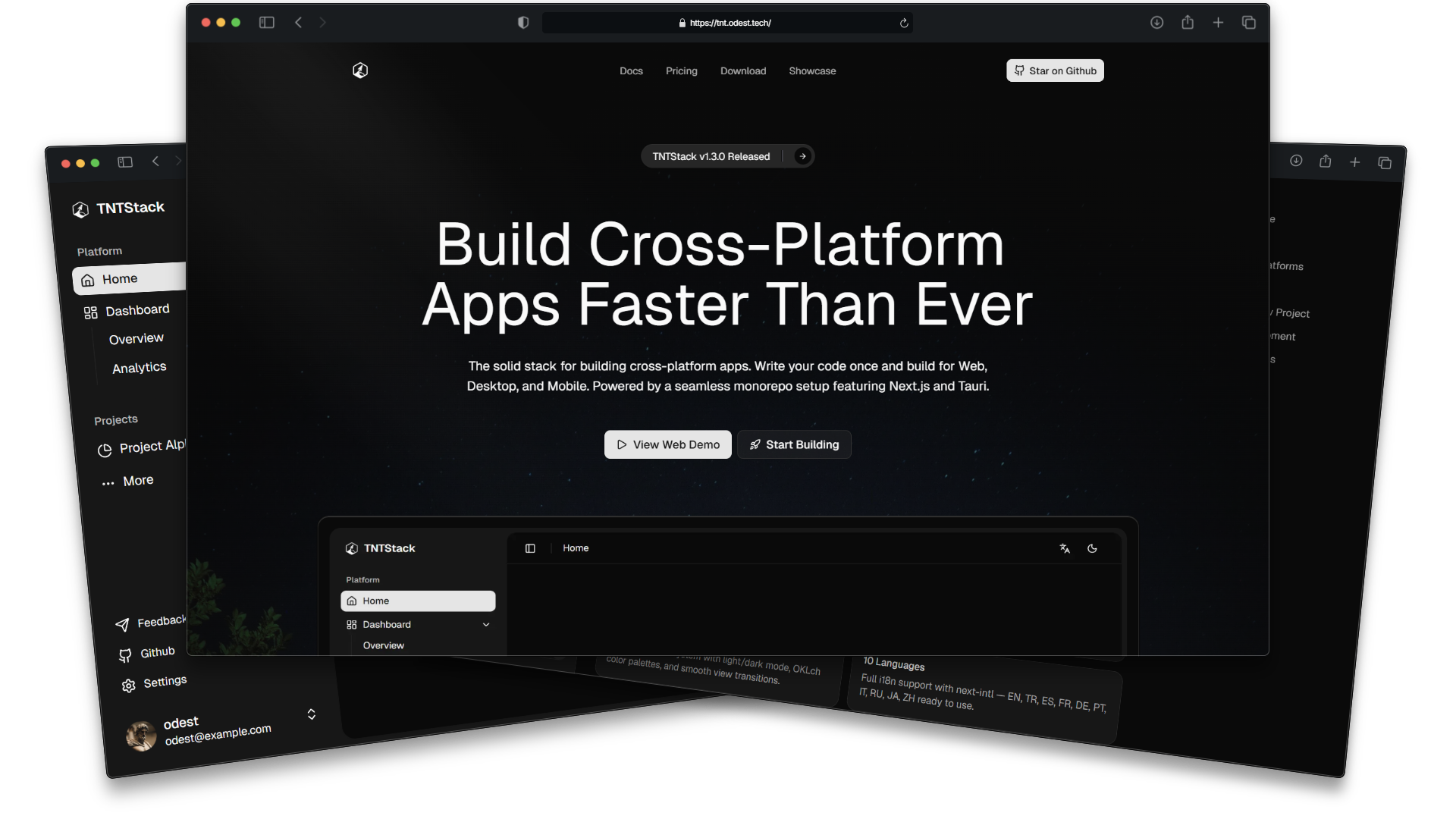
TNTStack is a starting point for building cross-platform apps. It covers Web, Desktop (Windows, macOS, Linux), and Mobile (Android, iOS) from the same shared UI, themes, and logic. Run the CLI, scaffold your project, and start building.
- Unified - One codebase, every platform. Web and native share the same pages, components, and state.
- Ready - 40+ themes, 10 languages, CI/CD, and a scaffolding CLI out of the box.
- Portable - Run
npm create @tntstack/app, brand your project, and own the code. No lock-in. - Strict - End-to-end TypeScript, shared lint rules, and automated releases keep things solid.
- Cross-Platform - Single codebase deploys to web, desktop, and mobile
- Shared UI Core - All pages, components, state, and themes live in
packages/ui - 40+ Themes - Light and dark variants of 40+ color schemes, plus custom theming support
- 10 Languages - Type-safe i18n works with both SSR (web) and static export (native)
- PWA - Offline support, precaching, and runtime caching strategies for the web app
- Landing Page - Pre-built, SEO-optimized marketing pages designed to pitch your product
- Docs Page - Integrated, MDX-powered documentation architecture ready for your technical guides
- Scaffolding CLI -
npm create @tntstack/appsets up a branded, configured project - Turborepo - Dependency-aware builds and caching
- TypeScript - Strict, end-to-end type safety with shared configs
- CI/CD - GitHub Actions + Release Please for automated builds and versioning
Note
Building native apps requires additional platform-specific tools (e.g., Xcode, Android Studio, C++ Build Tools). See our Docs or Tauri's Prerequisites Guide for details.
npm create @tntstack/app@latestUsing other package managers
pnpm create @tntstack/app@latest
yarn create @tntstack/app
npx @tntstack/create-app
bunx @tntstack/create-app
The CLI configures your project name, identifiers, and versions. It can also initialize git and install dependencies for you.
cd <your-project-name>

# Run this only if you skipped dependency installation during scaffolding
pnpm install

pnpm dev
This starts both the web app (http://localhost:3000) and the native desktop app in parallel.
Important
GitHub Actions & Release Please: If you host your code on GitHub, you must go to your repository settings (Settings > Actions > General) and grant Read and write permissions as well as Allow GitHub Actions to create and approve pull requests for the automated release pipelines to function properly.
apps/
  web/                → Next.js SSR — web app, landing page, docs, PWA
  native/             → Next.js (Static) + Tauri 2 — desktop & mobile

packages/
  ui/                 → The core: shared pages, components, themes, stores
  i18n/               → 10-language type-safe translations (SSR & static)
  cli/                → Scaffolding tool (npm create @tntstack/app)
  eslint-config/      → Shared ESLint rules (Flat Config)
  typescript-config/  → Shared TypeScript configs
Both web and native import pages, components, and state from packages/ui. The web app runs with SSR and PWA support. The native app uses a static HTML export served by Tauri's Rust backend.
| Platform | Status | Links |
|---|---|---|
| 🌐 Web | ✅ Available | Live Demo |
| 📱 PWA | ✅ Available | Live Demo |
| 🪟 Windows | ✅ Available | Download Demo |
| 🍎 macOS | ✅ Available | Download Demo |
| 🐧 Linux | ✅ Available | Download Demo |
| 🤖 Android | ✅ Available | Download Demo |
| 📱 iOS | ✅ Available | Download Demo |









pnpm dev                  # Start all apps in dev mode
pnpm build                # Build everything
pnpm lint                 # Lint all packages
pnpm check-types          # TypeScript validation across all workspaces
pnpm web dev              # Web app only
pnpm tauri dev            # Desktop app only
pnpm tauri android dev    # Android app
pnpm tauri ios dev        # iOS app
pnpm shadcn add           # Add shadcn/ui components to packages/ui
pnpm clean # Clean all build outputsFor setup guides, architecture, theming, i18n, deployment and more, see Documentation
See CONTRIBUTING.md.
